snapdust
SnapDust
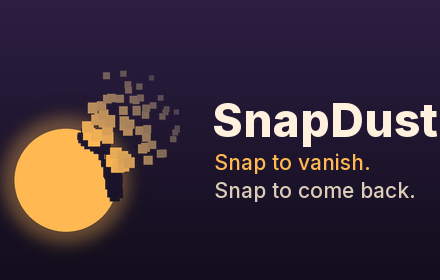
Snap your fingers on a Google Meet call and crumble into dust. Snap again and fly back together in a swirl of gold.
How to use it
- Install SnapDust and open (or reload) a Google Meet tab.
- Open the SnapDust popup and click Capture empty room, then step aside for a few seconds so it can see the room behind you.
- Hold your hand up, thumb and middle finger together, and snap. You turn to dust.
- Snap again to come back.
The popup also has Vanish and Capture buttons, and keyboard shortcuts (Alt+Shift+V, Alt+Shift+B).
Privacy
Everything happens on your computer; nothing is recorded or sent anywhere. See the privacy policy.
Feedback
Bugs, ideas and criticism are very welcome: open an issue. The code is at github.com/ihemanthm/snapdust.
SnapDust is an independent project and is not affiliated with or endorsed by Google.